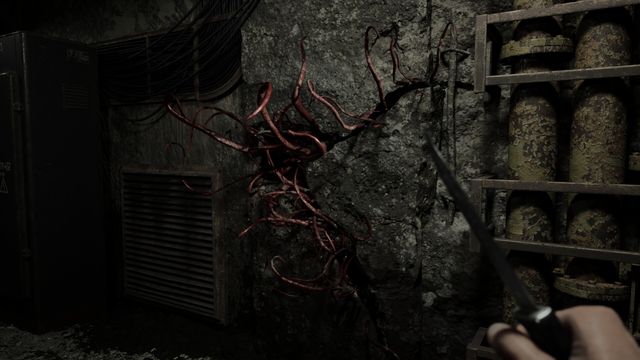
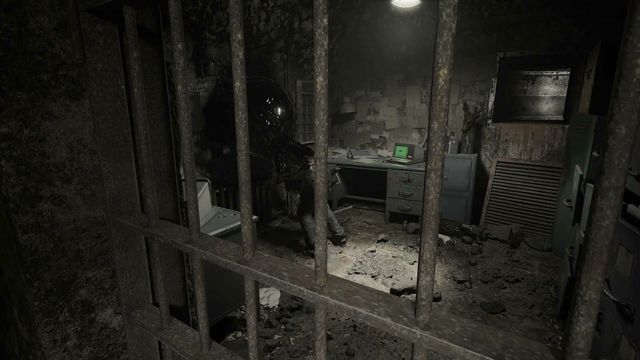
PC system requirements
The Steam listing confirms a 64-bit operating system and DirectX 12, and lists processor and graphics as TBA. There is no published minimum GPU, no storage figure and no recommended spec beyond the 64-bit requirement, so no honest build recommendation can be made yet.
The Steam system requirements block for Nature of Dread is nearly empty, and the emptiness is the story. Two things are committed to, several are marked TBA, and the rest is missing entirely.
What the listing actually says
| Minimum | Recommended | |
|---|---|---|
| OS | 64-bit | 64-bit |
| Processor | TBA | Not listed |
| Memory | Not listed | Not listed |
| Graphics | TBA | Not listed |
| DirectX | Version 12 | Not listed |
| Storage | Not listed | Not listed |
That is the complete published specification. There is no VRAM figure, no RAM figure, no storage requirement, and no recommended specification beyond a repeat of the 64-bit requirement.
Reading a TBA spec sheet
A spec sheet that says TBA is not useless. It tells you four things.
The game targets 64-bit Windows and DirectX 12. DirectX 12 is a hard floor, not a preference: it means Windows 10 or later in practice, and it rules out any GPU that lacks DX12 support. If you are running a card from before the DX12 era, the game will not start regardless of how fast it is.
No storage figure at launch stage is normal, and it usually means the number is still moving. Build sizes change substantially in the last months of development, so studios often hold the figure back.
No RAM minimum is mildly unusual. Most listings publish one even when provisional. Its absence suggests either that the figure is genuinely undecided or that the studio is keeping the listing minimal until release.
"Processor: TBA" and "Graphics: TBA" mean the developer has not committed to a performance target yet. That is the honest reading, and it is better than a placeholder GPU name that turns out to be wrong.
What DirectX 12 costs you
DirectX 12 is the single requirement worth planning around now, because it is the one that excludes hardware outright rather than merely performing badly on it.
- Windows 10 or Windows 11, 64-bit. Older Windows versions do not ship DX12 support in a usable form.
- A GPU from the DX12 generation or later. Cards from before that generation cannot run DX12 titles at all, even at low settings.
- Up-to-date graphics drivers. DX12 titles are far more sensitive to driver version than DX11 ones, and a stale driver is a common cause of a game that launches to a black screen.
If your machine is more than a few years old, check that it is DX12-capable before you plan anything else. Everything else in this spec sheet is unknown; that one fact is not.
Building a machine for an unknown target
You cannot size a build against a spec sheet with no GPU in it, but you can avoid the two mistakes people make in this situation.
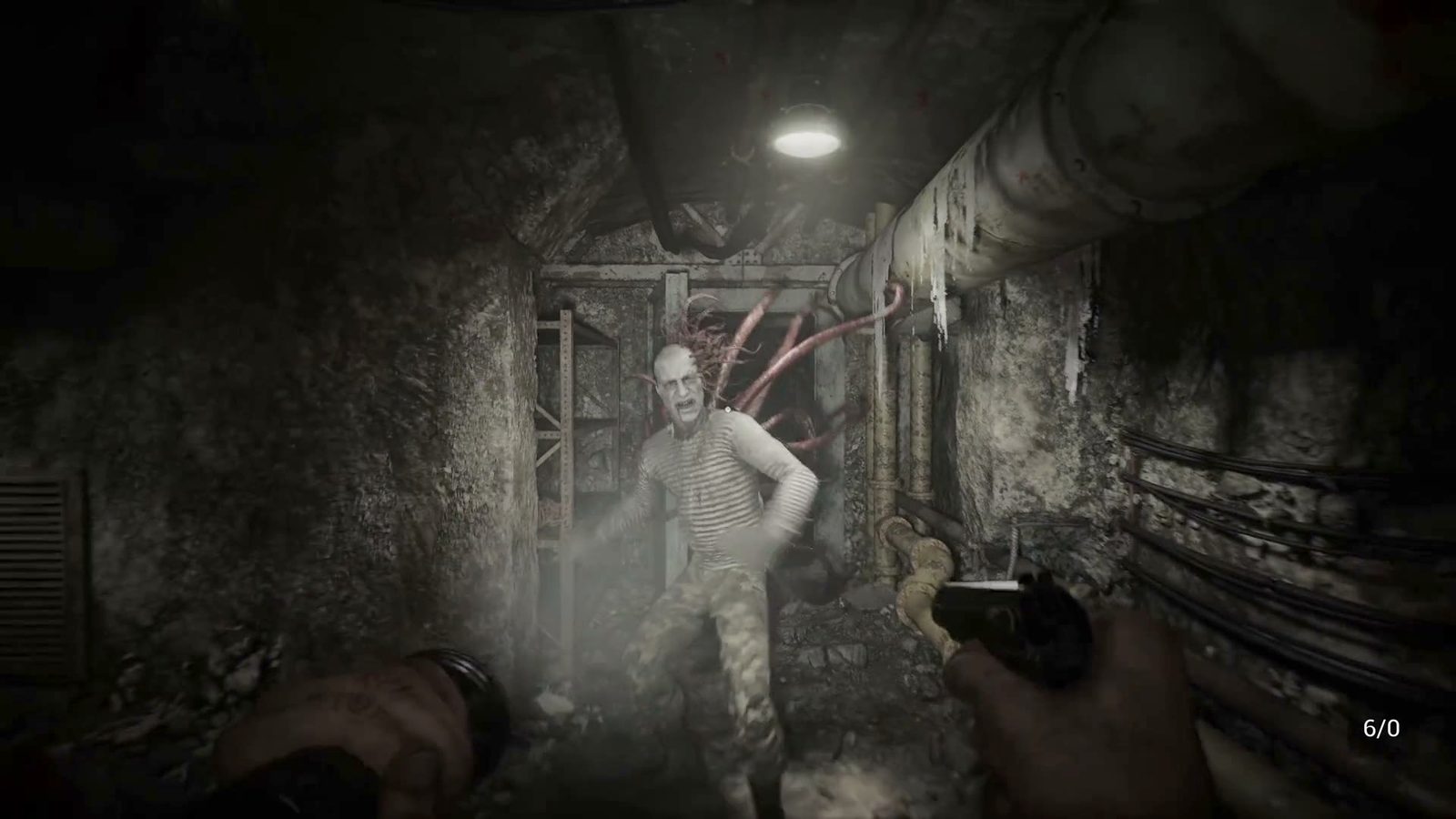
Do not build for the trailer's visual fidelity. Five minutes of carefully lit first-person footage tells you the art direction, not the performance cost. Trailers are captured on development hardware and often at settings that will not be the default.
Do not assume "indie" means "light". A small team shipping a first-person game in DirectX 12 is not automatically shipping something that runs on integrated graphics. Unreal and Unity projects with heavy lighting and post-processing can be demanding regardless of studio size.
The practical position is to wait. When the TBA fields fill in, they will be filled in on this listing, and that is the moment to decide whether your machine needs an upgrade.
If your machine is borderline
Three realistic paths, in order of how much they cost.
- Wait for the spec sheet. The single most useful thing you can do is nothing, until the GPU minimum exists.
- Check your DX12 support now. This is free and it is the only binary constraint published.
- Plan around Steam's refund window if you buy at launch on an uncertain machine. Two hours of play is usually enough to establish whether a first-person game is running acceptably, and the refund window is the practical safety net for a TBA spec sheet.
What a TBA spec sheet does not tell you
- Frame rate targets. No indication of whether the game targets 60 or 30 frames per second, or whether it is uncapped.
- Resolution targets. Nothing about 1080p, 1440p or 4K expectations.
- Upscaling support. No mention of DLSS, FSR or XeSS.
- Whether the game is CPU-bound or GPU-bound. With both fields TBA there is no way to guess.
Those four gaps are why this page does not contain a build recommendation. A recommendation built on an empty spec sheet is a guess wearing a table.
For everything else that is confirmed about the release, see Release date and platforms. For what the game looks like in motion on the hardware the studio used, What the gameplay trailer shows is the only reference available.